DIY Earring Patterns for Cricut – Free SVG Files!
17 Free Earring SVG Cut Files You’ll Love
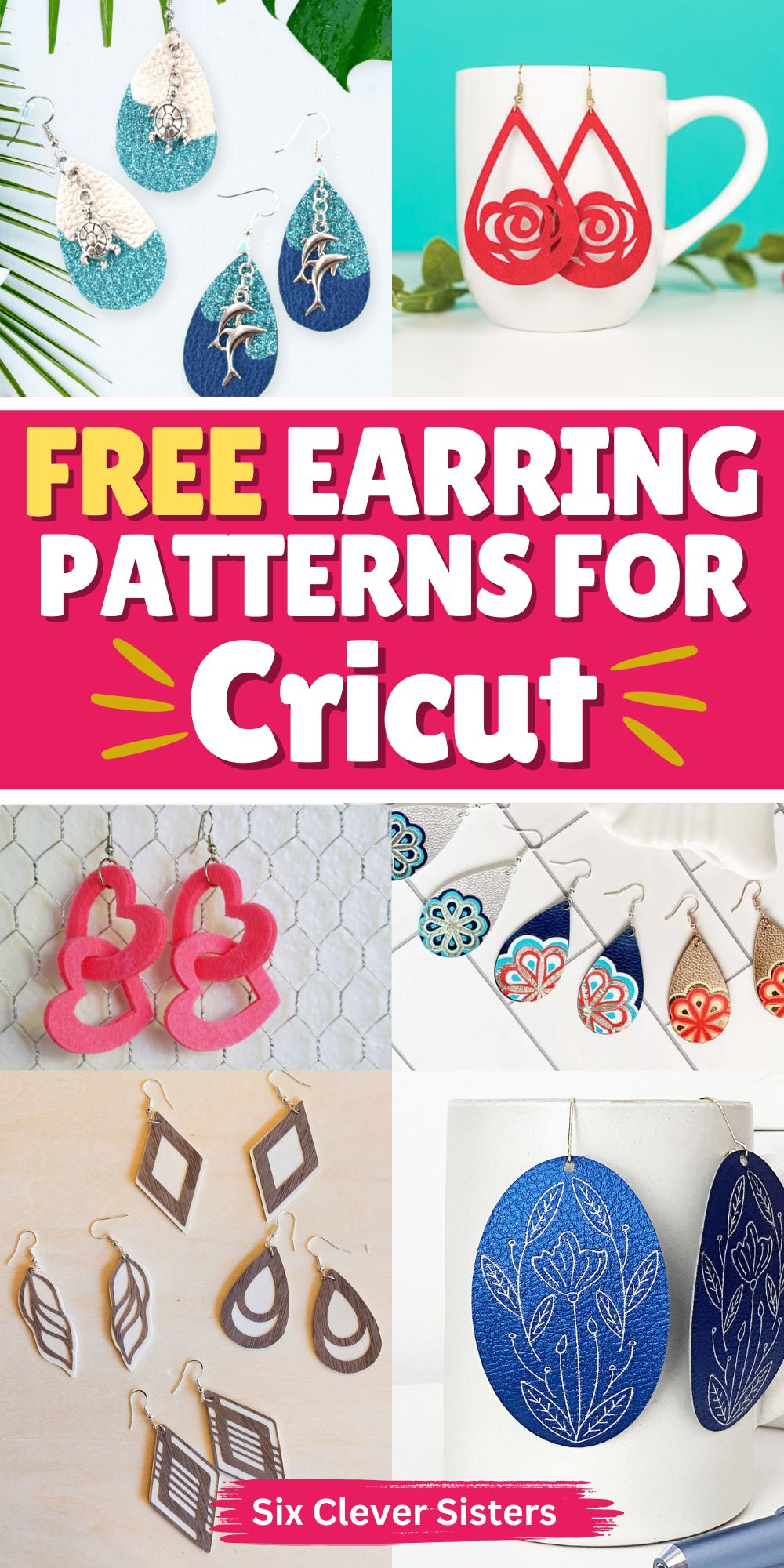
If you’re looking for free earring SVG cut files, this list is a great place to start. Whether you’re making faux leather earrings, working with genuine leather, or even trying wood veneer, these tutorials and free templates will give you tons of inspiration.
Many of these come as a zip file download and include different formats – SVG cut files, PNG, and even PDF file options, so they’ll work with Cricut and other cutting machines.
Best Materials for Cricut Earrings
When making faux leather earrings and other Cricut earrings, choosing the right materials makes a huge difference in your final result. Faux leather sheets are the most popular option because they’re lightweight, affordable, and come in so many different colors and patterns. They’re also easy to cut, making them ideal for beginners.
If you want a more elevated look, you can try genuine leather or real leather. These give your DIY leather earrings a more professional finish, but they may require a deep-point blade and a stronggrip machine mat for a clean cut. Always check your material settings in Cricut Design Space and do a quick test cut before starting your full design.
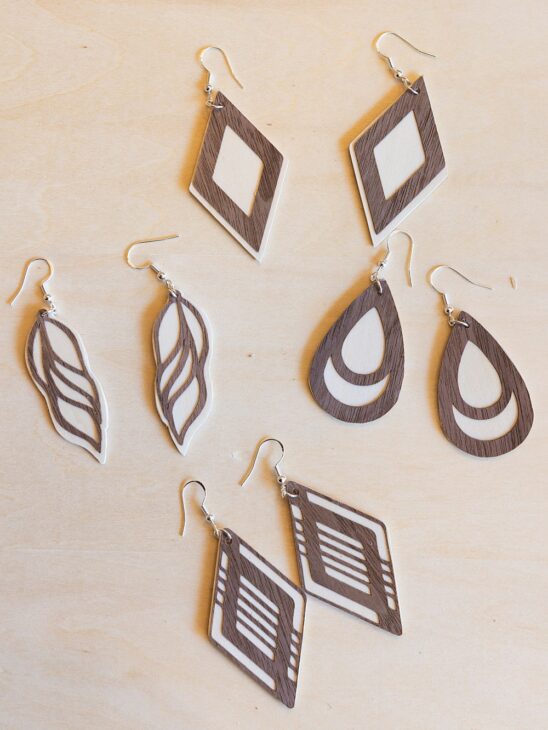
Wood veneer is another fun option if you want something a little different. It creates bold, statement earrings and works well with simple shapes or geometric earring design styles. Just keep in mind that thicker materials may add a little bit of weight.
For added detail, you can layer iron-on vinyl or heat transfer vinyl onto your faux leather. This is a perfect way to add patterns like a western cowgirl SVG, retro football design, or even Christian quotes SVG to your earrings. Just press carefully using tools like an EasyPress Mini and protect your material with teflon sheets.
Tips for Designing Unique Earrings
Creating your own earring svg file is one of the most fun parts of this DIY project. If you’re using free svgs, try customizing them in Cricut Design Space to create a unique style. Resize elements, combine shapes, or layer designs to make something completely your own.
Keep in mind that intricate cuts can be beautiful, but simpler shapes often give you a cleaner result—especially if you’re new to using a cutting machine. Designs like teardrops, arches, and simple western horse svg silhouettes tend to cut more reliably.
Also, don’t forget about functionality. Make sure your earring holes are sized correctly so your jump ring and ear wires fit easily. This small detail makes a big difference when assembling your finished earrings.
How to Download and Use the Files
Most free svg files will come in a zip file, so your first step is to download and extract the files onto your computer. Inside, you’ll usually find different formats like SVG cut files, PNG, and sometimes a PDF file.
Upload the earring svg file into Cricut Design Space, adjust your sizing, and double-check your material settings. If needed, secure your material with painter’s tape or masking tape to prevent shifting during cutting.
Once your pieces are cut, use a weeding tool to remove any small bits, then assemble your earrings with earring hooks, jump rings, and ear wires.
This is such an easy project with endless possibilities—and once you start, you’ll probably find yourself making pairs for every outfit, season, and occasion.
17 FREE SVG Earring Patterns
Classic Faux Leather Earrings (Beginner-Friendly)
A perfect first step if you’re new to faux leather earring projects. This tutorial walks through material settings, using a strong grip mat, and getting a great cut every time.
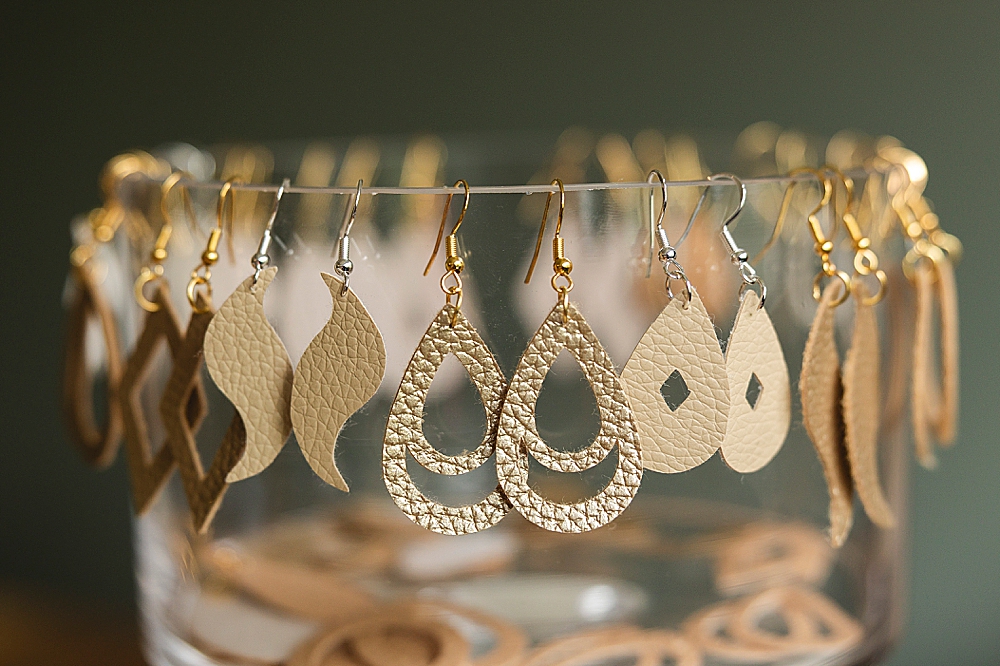
Faux Leather Bow Earrings
Super cute and perfect for Mother’s Day or great gifts. These use simple shapes, making them an easy project even on a Cricut Joy or Explore Series.
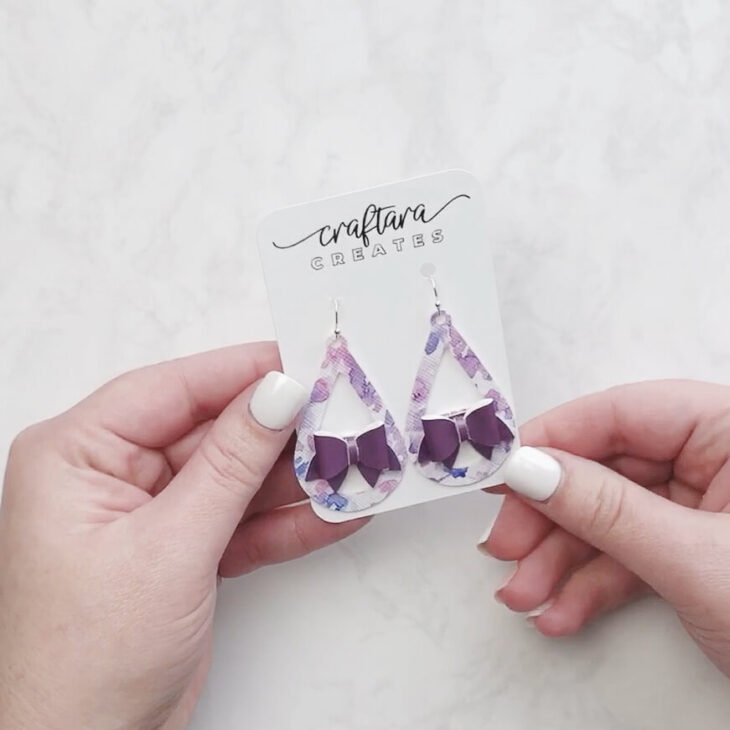
Peekaboo Leather Earrings
These layered designs are great for practicing intricate cuts and combining different colors of faux leather materials.
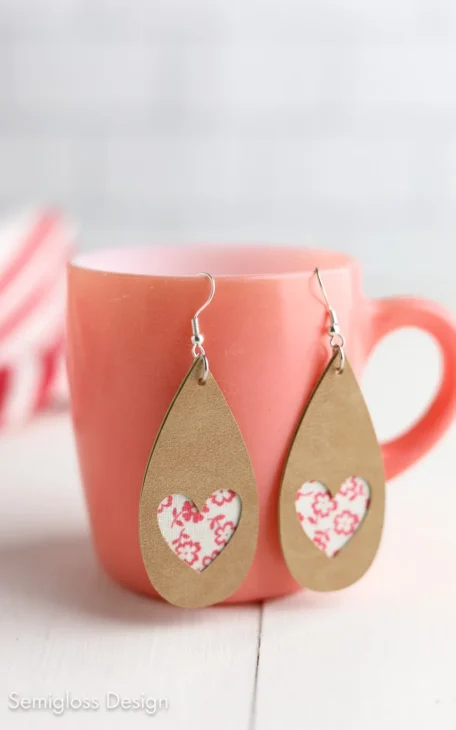
Heart Earrings
A fun seasonal option and a perfect way to use scraps.
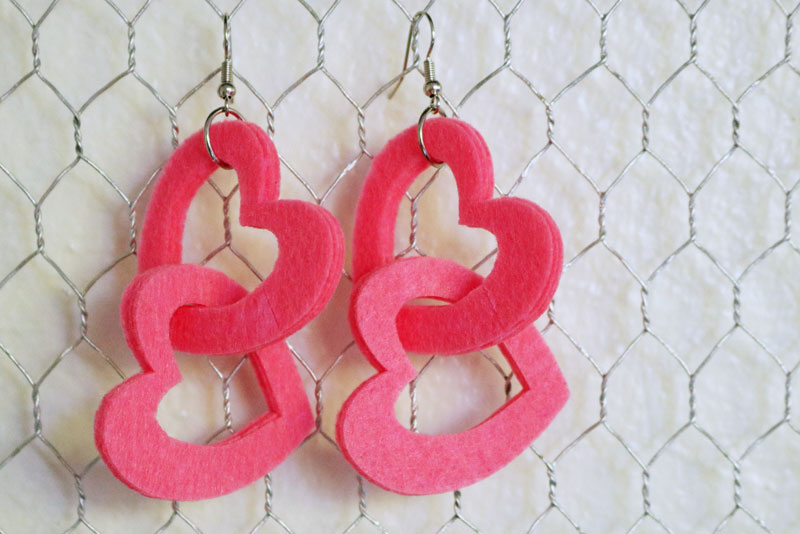
Simple Faux Leather Earrings
A great all-around tutorial covering earring holes, earring hooks, and attaching with a jump ring.
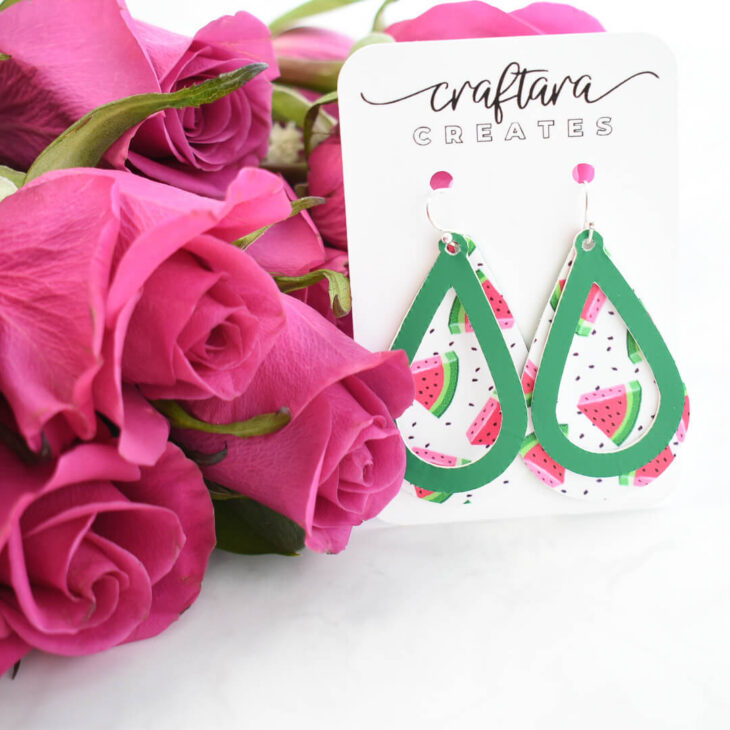
How to Make Wooden Earrings with Cricut Veneer (Step-by-Step Tutorial)
A great intro to working with wood veneer. This tutorial shows how to cut and assemble lightweight wooden earrings using a Cricut.
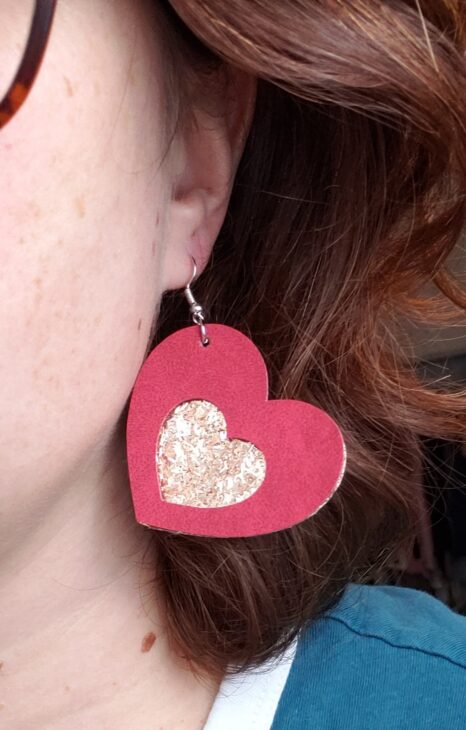
Layered Heart Faux Leather Earrings
A fun layered take on a classic heart shape. These are great for practicing alignment and working with multiple layers of faux leather.
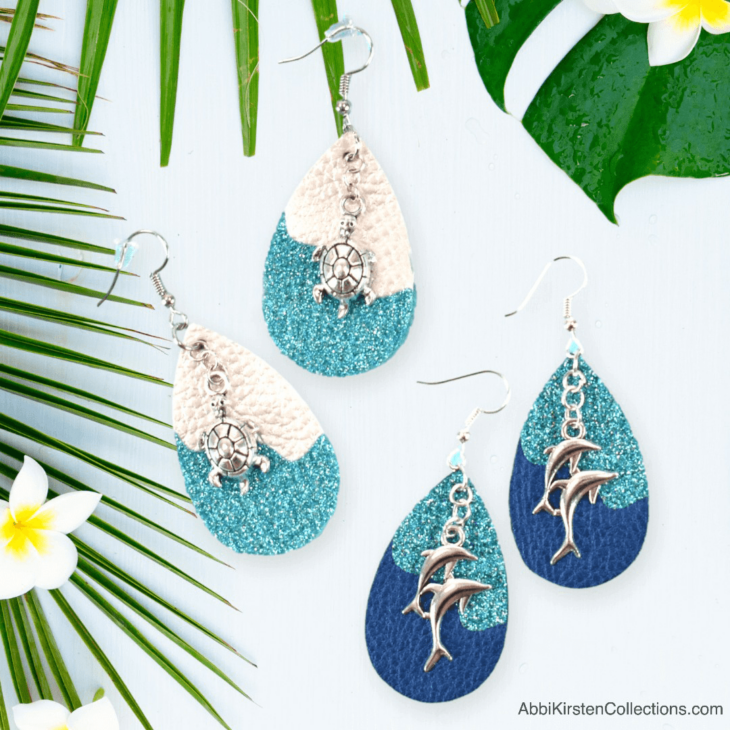
Faux Leather Earrings with Cricut
A great tutorial with multiple earring design ideas, perfect for trying different styles and improving your cutting machine skills.
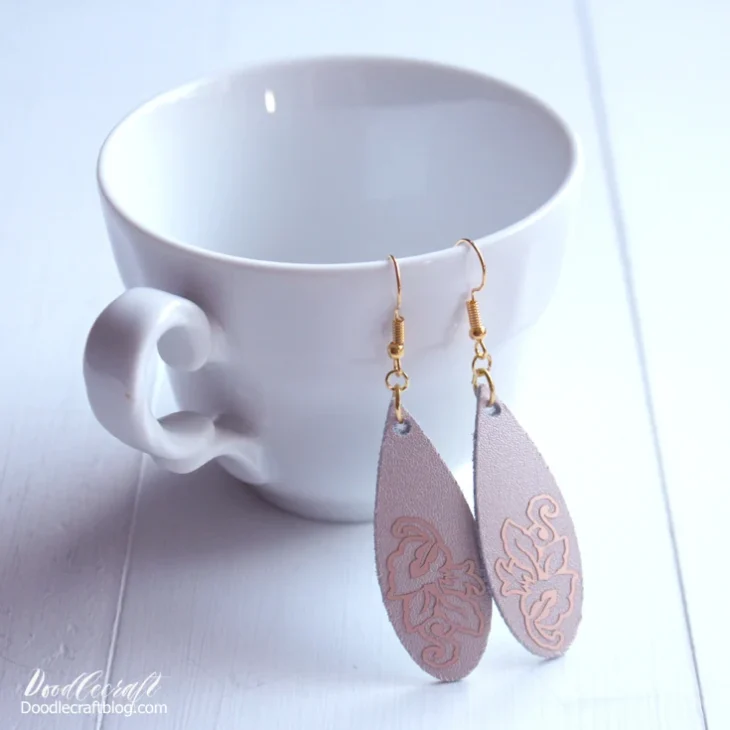
Rose Gold Leather Teardrop Earrings
Simple and elegant, these teardrop earrings are perfect if you want a clean, classic look using genuine leather or faux leather materials.
Faux Suede Leaf Earrings
These nature-inspired earrings are lightweight and a great example of how intricate cuts can still be soft and wearable.

Free Leather Earring SVG Bundle
This set includes multiple free SVG files in different formats, making it a great resource for expanding your collection of digital craft patterns.
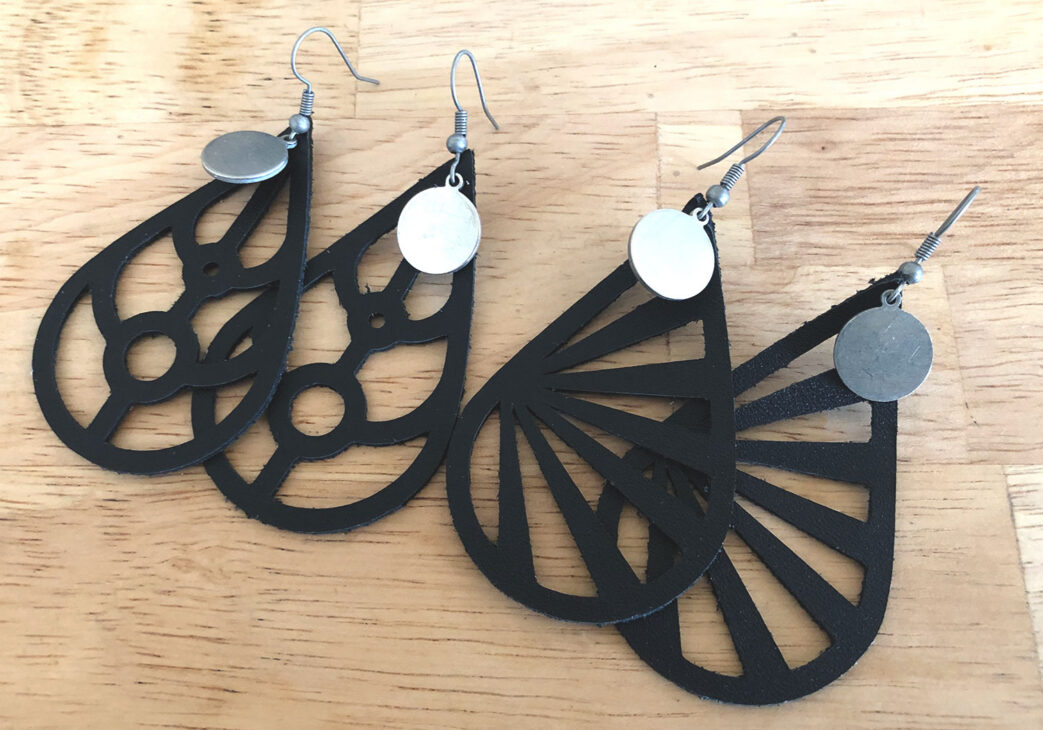
Faux Suede Flower Earrings
A fun floral option that works beautifully for spring and summer, and a great way to experiment with layered designs.
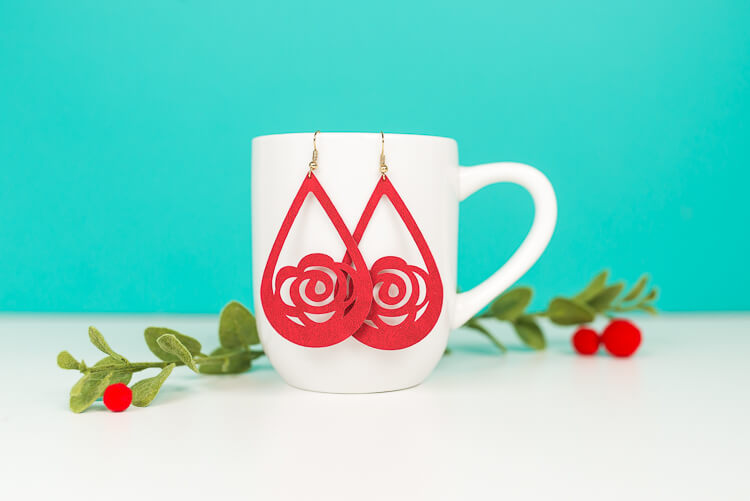
DIY Gnome Wood Earrings
Perfect if you want to try wood veneer for a bold, natural look. Be sure to use the correct material settings and do a test cut first.
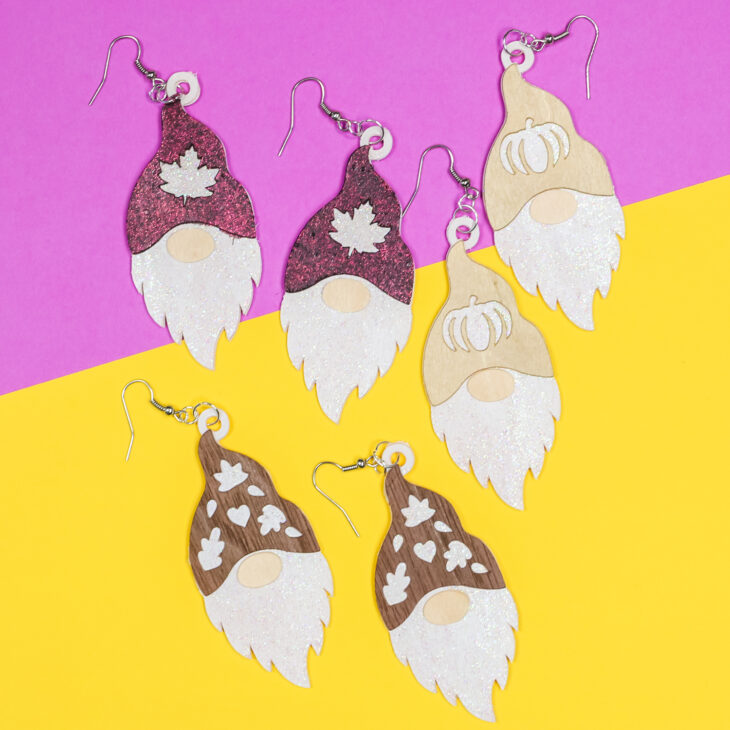
Foil Leather Earrings
These add a little shine with foil details—great for dressy occasions or creating beautiful earrings with extra texture.
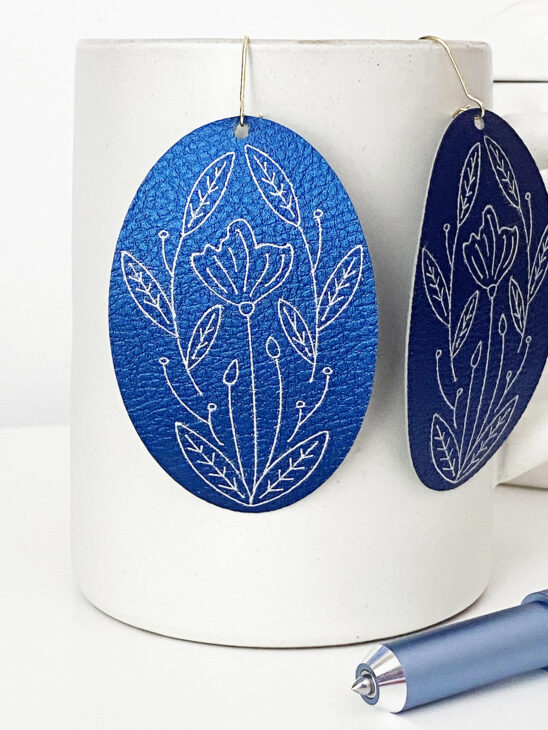
Faux Leather Earrings with Iron-On
A perfect way to combine iron-on vinyl or heat transfer vinyl with faux leather for a more customized earring svg file design.
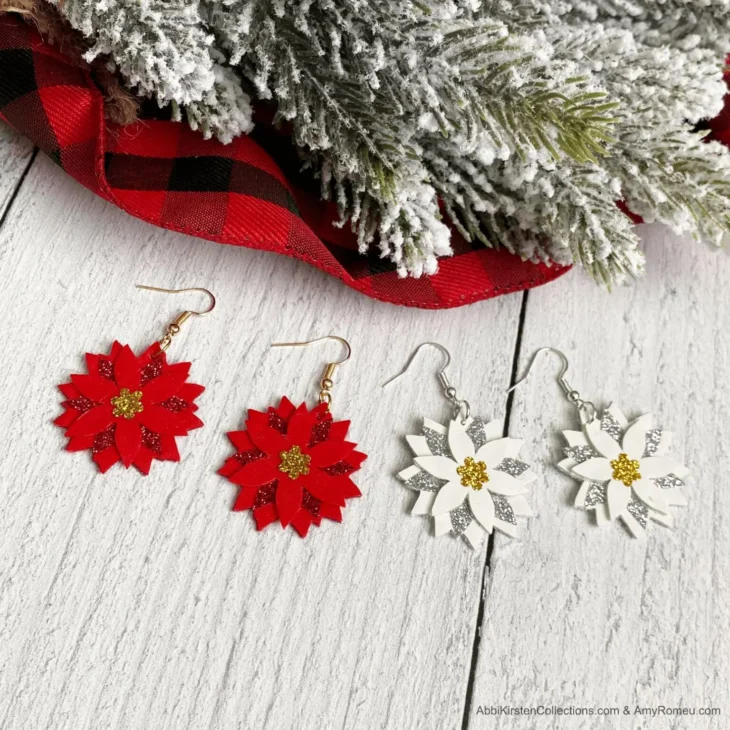
Christmas Poinsettia Faux Leather Earrings
A seasonal favorite and a great DIY project for handmade holiday gifts or adding to your collection of unique earrings.
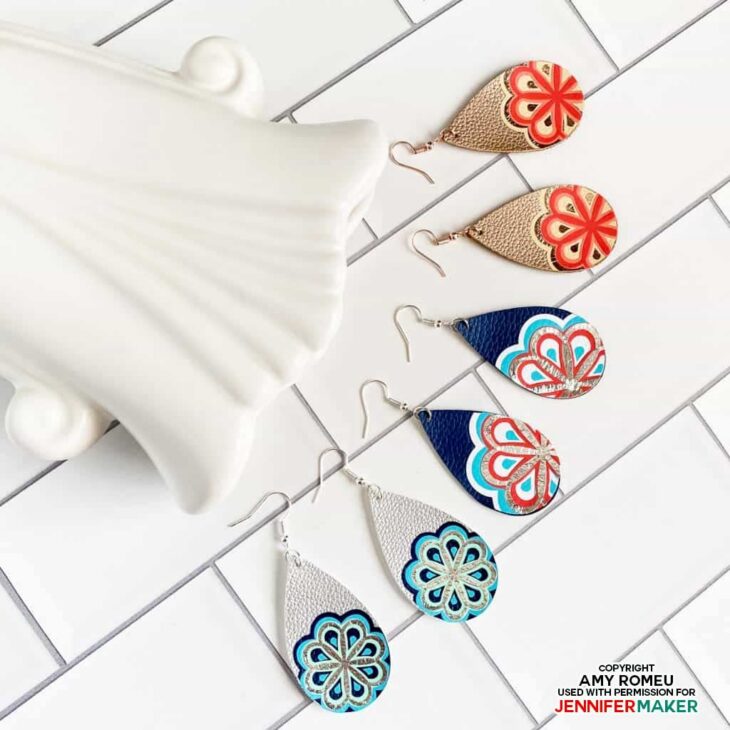
Layered Mandala Earrings
Beautiful, detailed earring design that works well with iron-on vinyl or heat transfer vinyl accents.
Tips for Getting the Best Cut
When working with cricut earrings, a few small tweaks make a big difference:
- Use a strong grip machine mat or strong grip mat for thicker materials
- Secure edges with painter’s tape or masking tape
- Always check the good side vs shiny side before cutting
- Use a deep point blade for thicker faux leather materials or real leather
- Do a test cut before committing to your full earring svg file
How to Use Your Free SVG Files
- Upload your earring SVG file into cricut design space
- Resize your earring design
- Select the correct material settings
- Cut using your cutting machine
- Assemble with ear wires, jump rings, and pliers
Making your own DIY earrings is such a fun and creative outlet—and honestly one of the quickest Cricut wins. With so many free SVG files available, you can constantly try different designs without spending extra money.
And that’s the best part—beautiful earrings, made by you, in just a little bit of time.
More Cricut Projects You’ll Love
If you’re enjoying making DIY earrings, there are so many other fun Cricut tutorials to try next. These projects are a great way to keep building your skills with your cutting machine and experimenting with new materials and techniques.
Cricut Mother’s Day Cards
👉 https://www.sixcleversisters.com/cricut-mothers-day-cards/
Looking for another easy project? These handmade cards are a perfect way to use your Cricut machine to create something meaningful. You can use free svg files, experiment with different colors, and make a personalized gift that pairs perfectly with your handmade earrings.
Potted Plant Vinyl Cricut Tutorial
👉 https://www.sixcleversisters.com/potted-plant-vinyl-beginner-cricut-tutorial
This beginner Cricut tutorial is great if you want to try working with iron-on vinyl or transfer tape on different surfaces. It’s a simple project that helps you get more comfortable with material settings and design placement.
Some of the links on sixcleversisters.com are affiliate links that pay a commission if a purchase is made. Six Clever Sisters, LLC is a participant in the Amazon Services LLC Associates Program, an affiliate advertising program designed to provide a means for sites to earn advertising fees by advertising and linking to amazon.com.